
Electron包装网站的问题
时间:2021-08-26 11:47:22
收藏:0
阅读:35
原文链接
Preface
最近尝试了很多不错的在线工具,只是每次都要进入网站,有点麻烦,于是想到之前了解过的electron,尝试一下打包成本地应用。
Contents
1.下载所有源文件
通过开发者工具,‘copy all as Node.js fetch‘,然后配合 node-fetch 库,将需要用到的资源下载到本地:
const fs = require(‘fs‘)
const fetch = require(‘node-fetch‘);

function checkAndWrite(filepath,res) {
   console.log("ok , here it is:",filepath);
   //todo create directory loop
   const dirpath = filepath.substr(0,filepath.lastIndexOf("/"));
   console.log(dirpath);
   if(!fs.existsSync(dirpath)){
       fs.mkdir(dirpath,{recursive:true},(err)=>{
           if(err != null) {
               console.log("mkdir err:",err);
               return;
           }
           const dest = fs.createWriteStream(filepath);
           res.body.pipe(dest);
       })
       return;
   }

   const dest = fs.createWriteStream(filepath);
   res.body.pipe(dest);
}
// 这个是主页
fetch("https://material.io/resources/color/", {
 "headers": {
   "accept": "text/html,application/xhtml+xml,application/xml;q=0.9,image/avif,image/webp,image/apng,*/*;q=0.8,application/signed-exchange;v=b3;q=0.9",
   "accept-language": "zh-CN,zh;q=0.9,en;q=0.8",
   "cache-control": "no-cache",
   "pragma": "no-cache",
   "sec-ch-ua": "\"Chromium\";v=\"92\", \" Not A;Brand\";v=\"99\", \"Google Chrome\";v=\"92\"",
   "sec-ch-ua-mobile": "?0",
   "sec-fetch-dest": "document",
   "sec-fetch-mode": "navigate",
   "sec-fetch-site": "none",
   "sec-fetch-user": "?1",
   "upgrade-insecure-requests": "1",
   "cookie": "_ga=GA1.2.682063148.1629876102; _gid=GA1.2.1595024389.1629876102"
 },
 "referrerPolicy": "strict-origin-when-cross-origin",
 "body": null,
 "method": "GET",
 "mode": "cors"
}).then(res=>{
   checkAndWrite(‘./html/main.html‘,res)
})

// 这个是其中的一个资源
fetch("https://material.io/resources/color/styles/vendor-bab328c105.css", {
 "headers": {
   "accept": "text/css,*/*;q=0.1",
   "accept-language": "zh-CN,zh;q=0.9,en;q=0.8",
   "cache-control": "no-cache",
   "pragma": "no-cache",
   "sec-ch-ua": "\"Chromium\";v=\"92\", \" Not A;Brand\";v=\"99\", \"Google Chrome\";v=\"92\"",
   "sec-ch-ua-mobile": "?0",
   "sec-fetch-dest": "style",
   "sec-fetch-mode": "no-cors",
   "sec-fetch-site": "same-origin",
   "cookie": "_ga=GA1.2.682063148.1629876102; _gid=GA1.2.1595024389.1629876102; _gat=1"
 },
 "referrer": "https://material.io/resources/color/",
 "referrerPolicy": "strict-origin-when-cross-origin",
 "body": null,
 "method": "GET",
 "mode": "cors"
}).then(res=>{
   checkAndWrite(‘./html/styles/vendor-bab328c105.css‘,res)
})
2.在electron中加载
mainWindow = new BrowserWindow({width: 1000, height: 800, webPreferences:{webSecurity:false}})

mainWindow.loadURL(url.format({
    pathname:path.join(__dirname,"/html/main.html"),
    protocol: "file",
    slashes: true
}))
3. 注意的点
- main.html 下载下来之后,需要将对应的资源路径改为*相对的本地路径
- google-analysis相关的东西都去掉了,应该是用不上的
- 其他非https://material.io域名下的文件也要下载下来,并且到对应的文件里面去修改相对路径
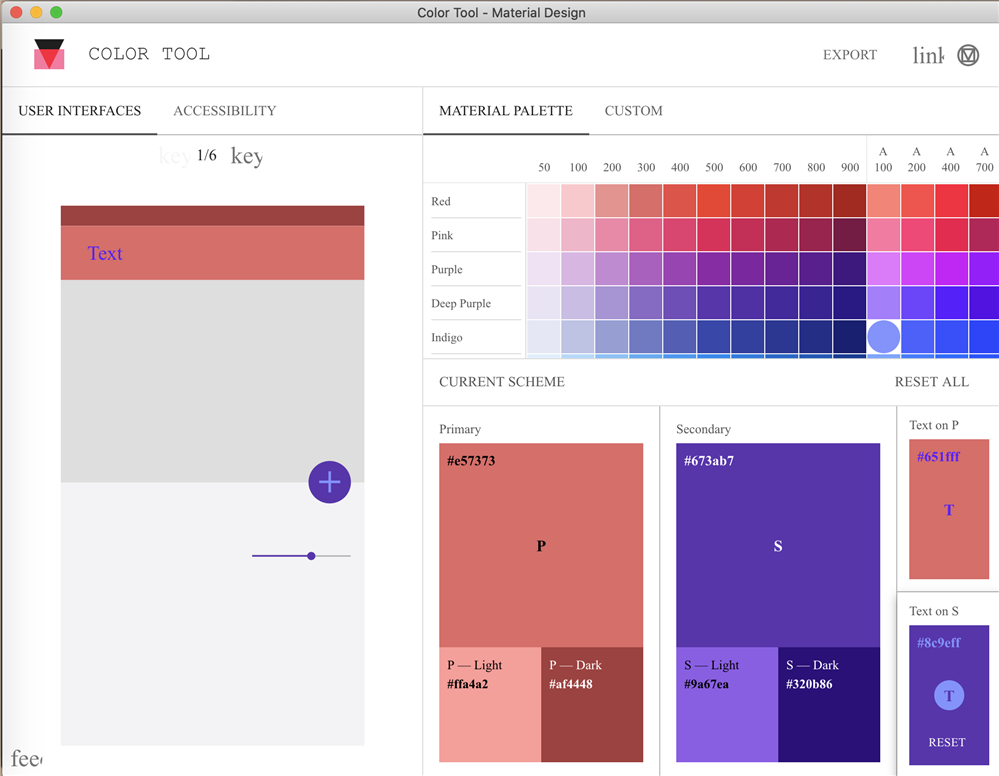
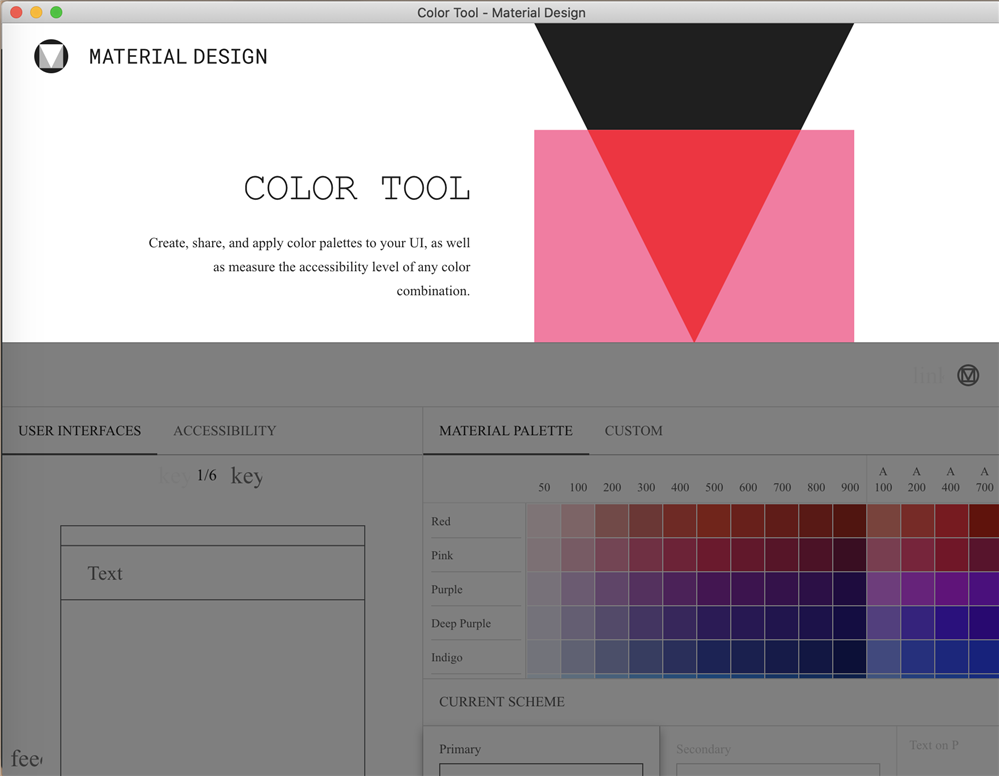
效果图
源代码
原文:https://www.cnblogs.com/adoontheway/p/15188084.html
评论(0)