
Install MySQL Community
时间:2021-08-24 20:32:18
收藏:0
阅读:16
- download RPM:
- wget https://dev.mysql.com/get/mysql57-community-release-el7-11.noarch.rpm
- install RPM :
- rpm -ivh mysql57-community-release-el7-11.noarch.rpm
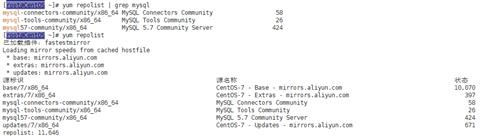
- Use Aliyun Mirrors :
- wget -O /etc/yum.repos.d/CentOS-Base.repo http://mirrors.aliyun.com/repo/Centos-7.repo
-

-
-
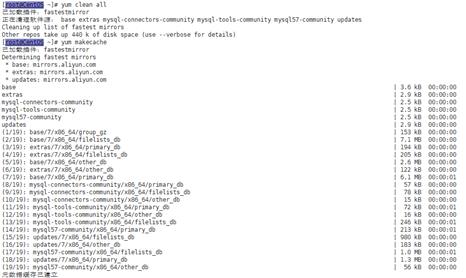
Clean cache and recache : yum clean all ; yum makecache
-
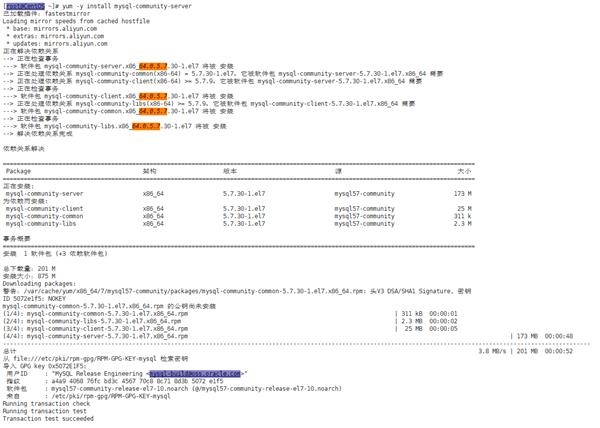
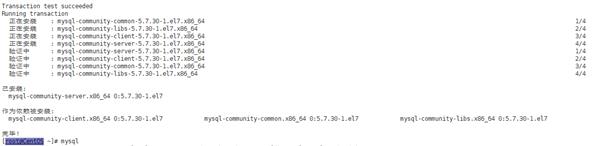
Install MySQL : yum -y install mysql-community-server
-
-
- restart mysql service: systemctl restart mysqld
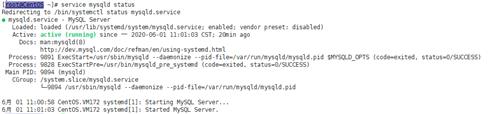
- chacke service status: service mysqld status
-
-
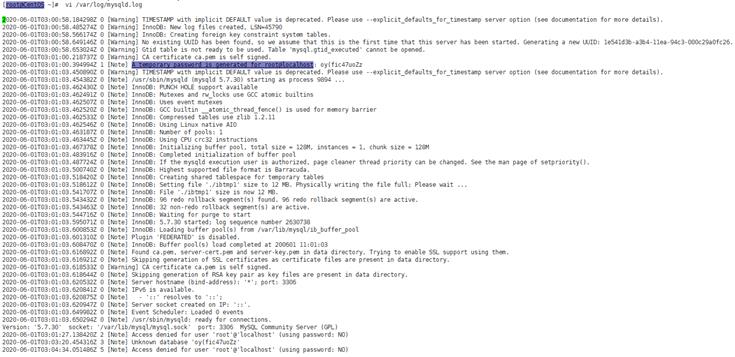
use cat or vi /var/log/mysqld.log check mysql auto generate password
15.login mysql use :mysql -u root -p
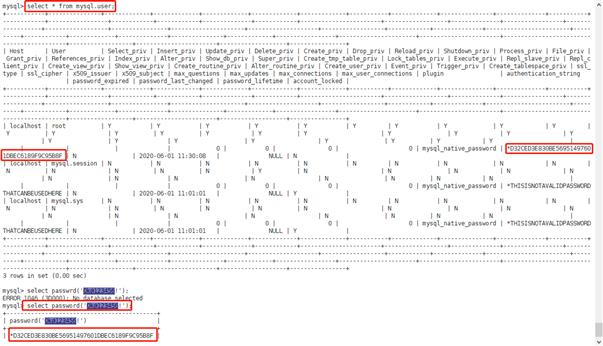
16.change defualt password: set password for root@localhost = password(‘Your@pwd123‘);
17.If you forget password ,you can user select command find it;
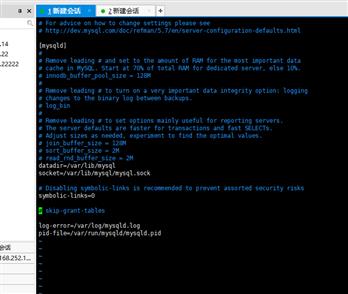
18.About password : if the service error log no temp password ,you must be edit /etc/my.cnf .
19. vim /etc/my.cnf
20.skip-grant-tablesAsystemctl restart mysqld
原文:https://www.cnblogs.com/danyenine/p/15181710.html
评论(0)