
【问题汇总】vscode远程连接linux服务器
时间:2021-04-27 19:53:04
收藏:0
阅读:25
1 安装vscode
2 搜索remote development,下载
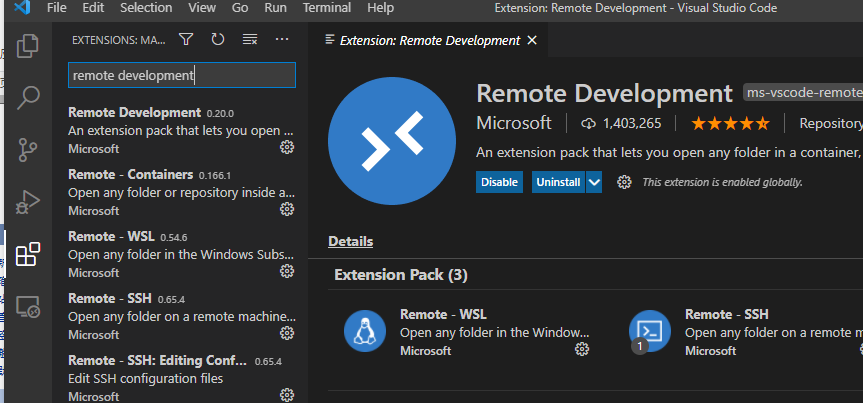
3 下载完成后会出现这个图标
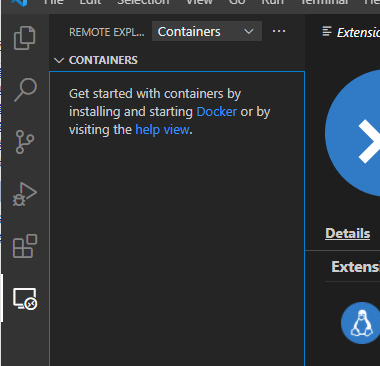
把containers换成ssh
4 ctrl+shift+p 搜索>remote-ssh:open ssh configuration file
选择第一个config文件
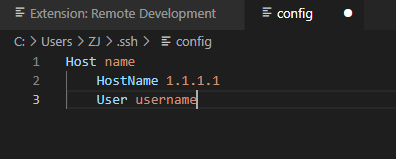
来到如下界面,输入自定义名称,远程的ip,远程用户名
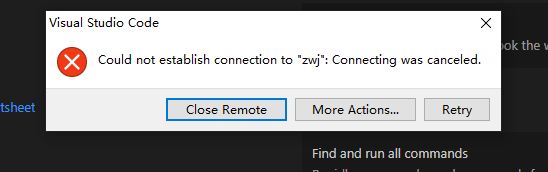
此时这里就出现了我们的连接,点击新建
原文:https://www.cnblogs.com/studyingzhang/p/14710003.html
评论(0)