
Git使用
时间:2020-05-12 13:48:05
收藏:0
阅读:50
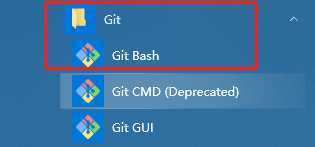
1.安装成功后运行‘Git Bash’
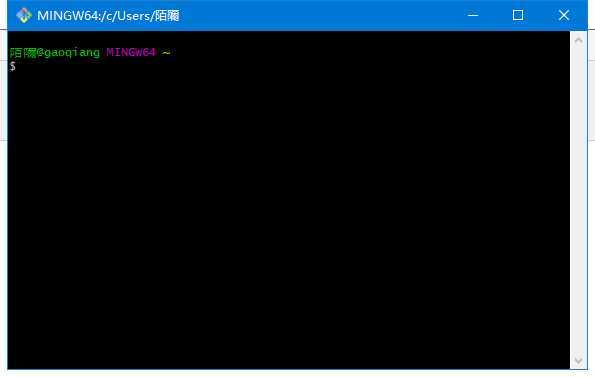
2.点击后弹出命令框
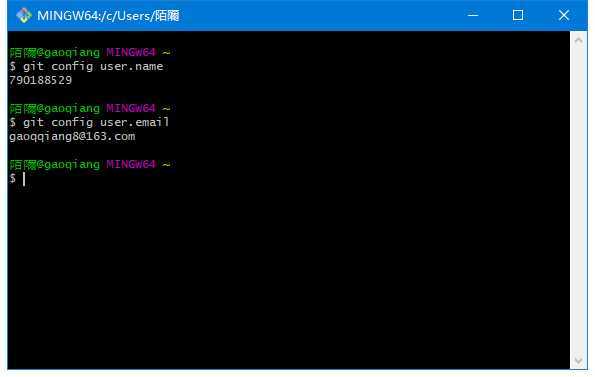
3.查看账号,邮箱
命令 git config user.name
git config user.email
4.设置账号,邮箱
命令 git config --global user.name ‘账号‘
git config --global user.email ‘邮箱‘


5.生成秘钥ssh
命令 ssh-keygen -t rsa -C ‘邮箱‘

点击三次回车
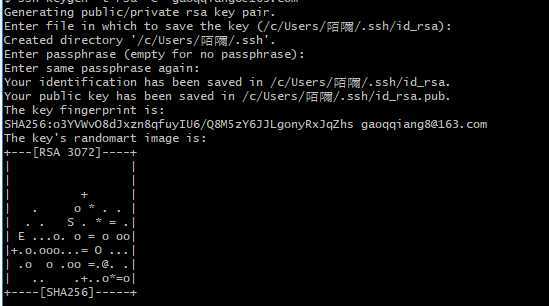
说明安装成功
()中的地址为秘钥在你本机的存储位置
5.查看秘钥ssh
命令 cat ~/.ssh/id_rsa.pub

原文:https://www.cnblogs.com/miniDog/p/12875518.html
评论(0)