
(八)微信小程序:tabBar应用
时间:2020-04-25 14:17:40
收藏:0
阅读:59
全局配置里的tabBar
1.查看API中的全局配置,了解tabBar的结构
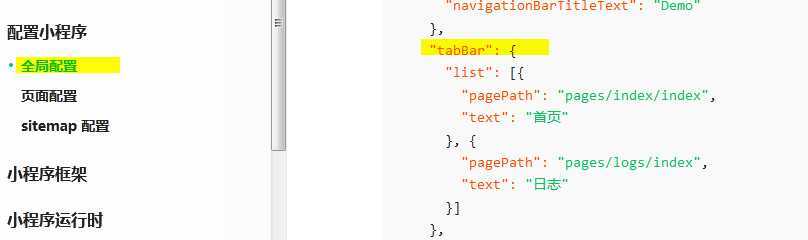
根据API设置属性:
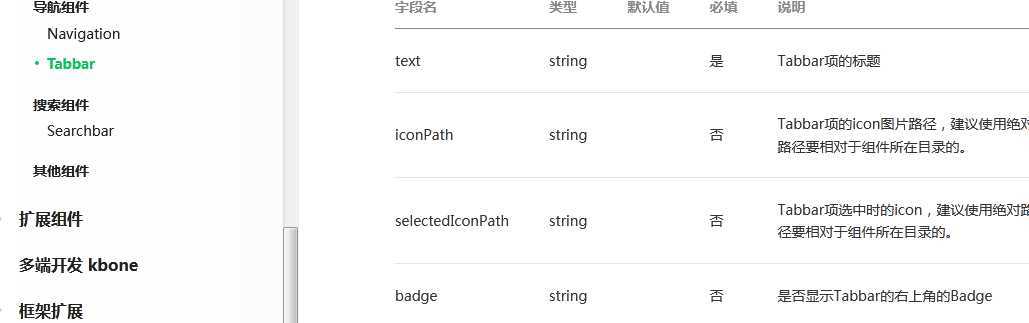
设置tabBar中的字体+背景:
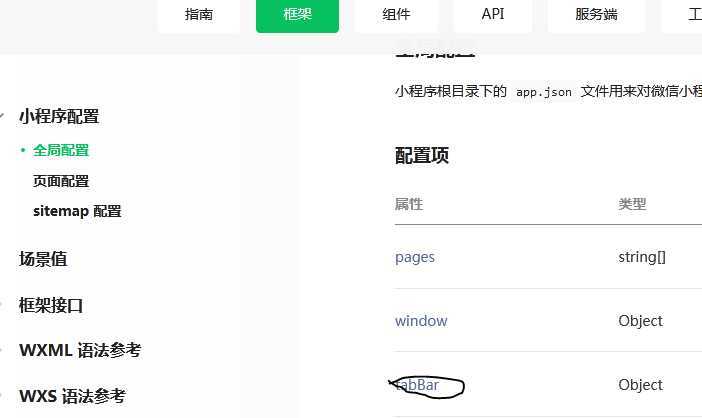
2.主要在app.json中进行全局配置即可


{
  "pages": [
    "pages/index/index",
    "pages/logs/logs",
    "pages/news/news",
    "pages/news/news-details/news-details",
    "pages/movie/movie"
  ],
  "window":{
    "navigationBarBackgroundColor":"#109D59",
    "navigationBarTextStyle": "white"
  },
  "tabBar":{
      "color":"#000",
      "selectedColor":"#109D59",
      "backgroundColor":"#fff",
      "borderStyle":"black",
      "position":"bottom",
    "list":[
      {
        "pagePath": "pages/news/news",
        "text": "新闻",
        "iconPath":"./image/n_t2.png",
        "selectedIconPath":"./image/s_t2.png"
      },{
        "pagePath": "pages/movie/movie",
        "text": "电影",
        "iconPath":"./image/n_d1.png",
        "selectedIconPath":"./image/s_d1.png"
      }
    ]
  }
}
注意:唯一需要更改的是在index页面跳转到news页面时的wx.navigateTo() 更改为wx.switchTab()
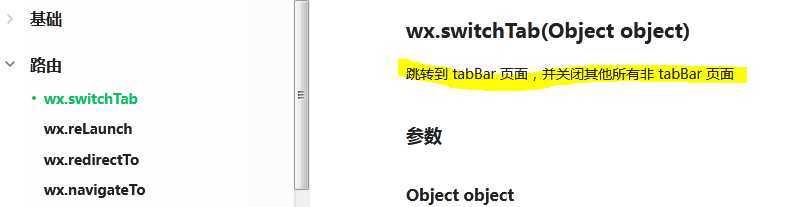
3.加上tabBar页面效果
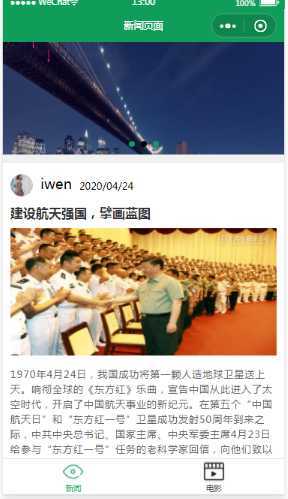
本节实现了tabBar导航栏的功能,那么我们发现电影页面还是空荡荡的~,所以下一节进行电影界面UI设计 开森不开森~
原文:https://www.cnblogs.com/happy-prince/p/12772647.html
评论(0)