
SecureCRT 关键字高亮显示
时间:2020-04-16 15:40:05
收藏:0
阅读:1334
grep命令红色高亮关键字
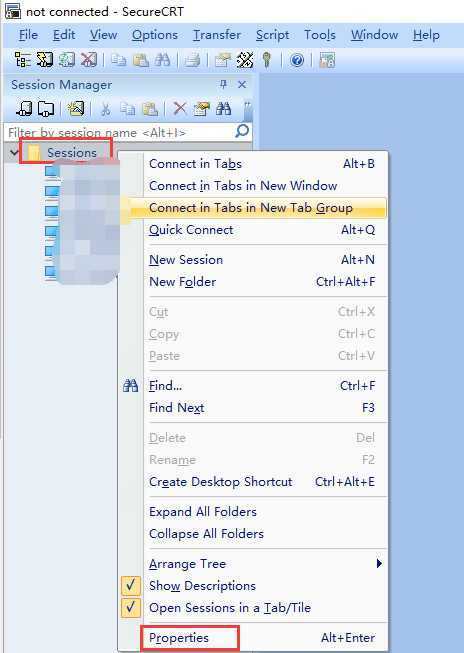
1. 左边侧栏 Session Manage
右键Sessions --Properties
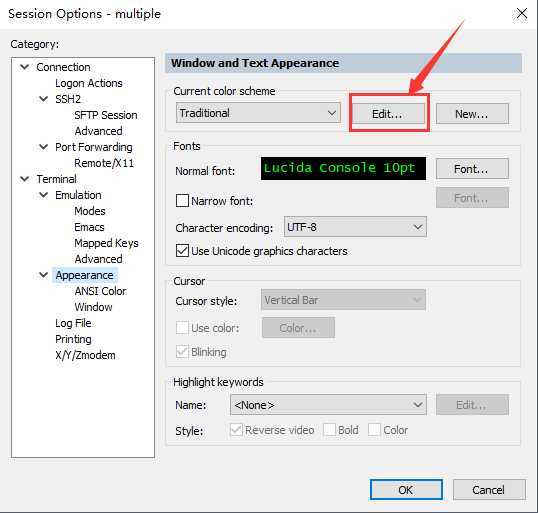
2 Terminal--Appearance
Current color scheme 点击Edit
3 点击Bold 并将Foreground 设为红色 , 点击OK
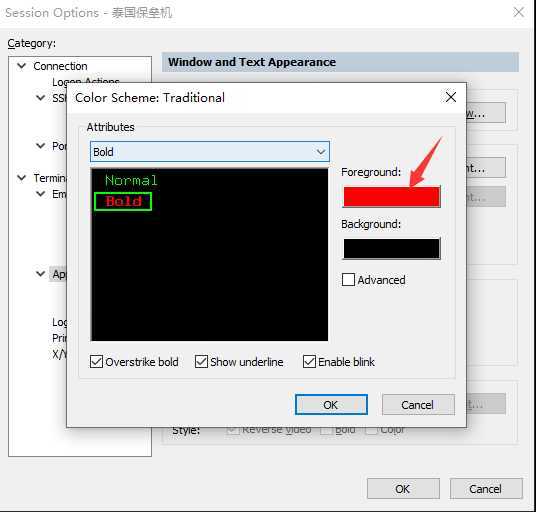
4 重启SecureCRT, grep命令需要加--color 参数才可生效
目录使用Linux配置颜色
1. 左边侧栏 Session Manage
右键Sessions --Properties
2 Terminal--Emulation
Terminal 选择xterm 并选中 ANSI Color 和 Use color schme
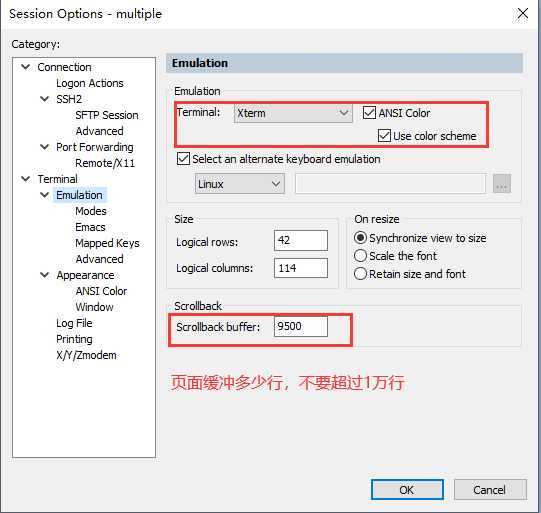
3 点击确认,重启生效
原文:https://www.cnblogs.com/pandaly/p/12712740.html
评论(0)