
TeeChart设置图表的标题
时间:2014-09-03 16:27:16
收藏:0
阅读:267
TeeChart的图表的标题设置方法
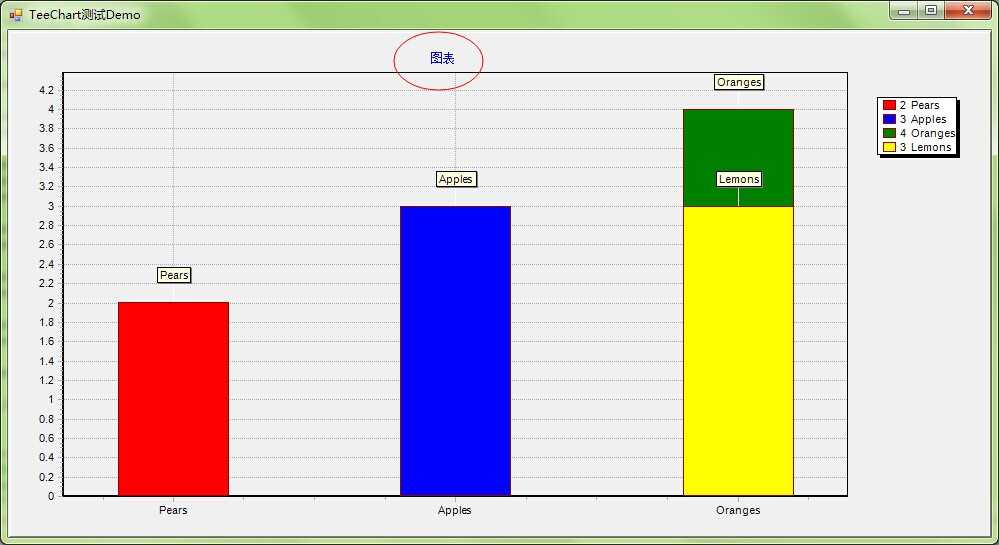
tChart1.Header.Text = "图表";
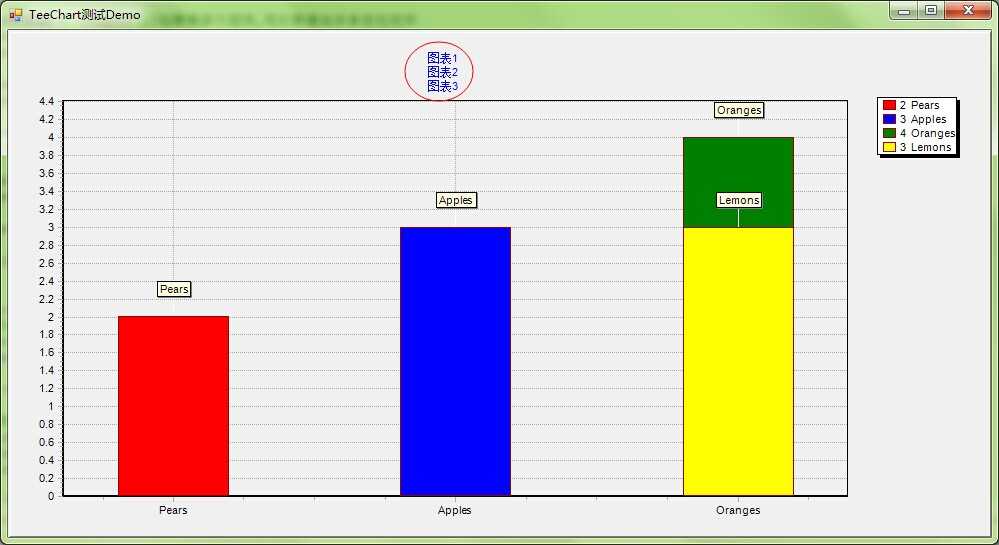
tChart1.Header.Lines = new string[] { "图表1","图表2","图表3" }; //标题
设置Header的Text或者Lines,任选一个即可,这两个是会相互覆盖的
Text仅仅设置一行;The Text property is used to display customized strings inside Shapes.
Lines;Access to array of Text lines,Use lines to add multiline text to TeeChart‘s text objects (TeeChart Header, TeeChart Axis Titles etc.).
原文:http://www.cnblogs.com/chucklu/p/3953776.html
评论(0)