
vscode 双击选中用中划线拼接的名称
时间:2020-01-22 17:18:33
收藏:0
阅读:224
左下角点击图标-选择设置,然后搜索editor.wordSeparators,然后去掉中划线-就可以了
`~!@#$%^&*()=+[{]}\|;:‘",.<>/?
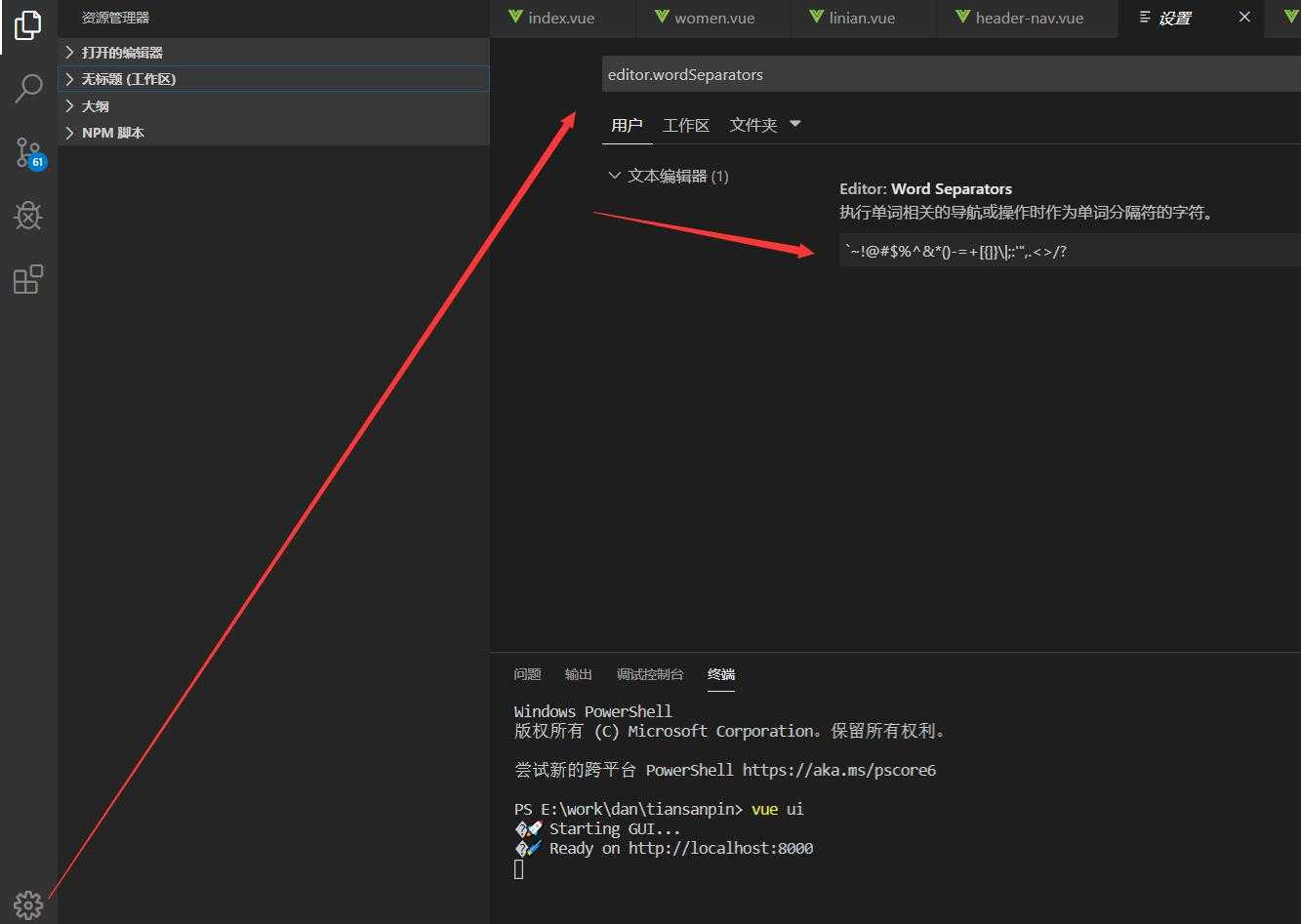
这样就可以选中啦连字符啦,如图:

原文:https://www.cnblogs.com/huanghuali/p/12228902.html
评论(0)