
vsCode 设置vue文件标签内的style智能提示
时间:2019-12-03 19:56:22
收藏:0
阅读:949
VS Code 文件-》首选项-》设置
搜索:files.associations
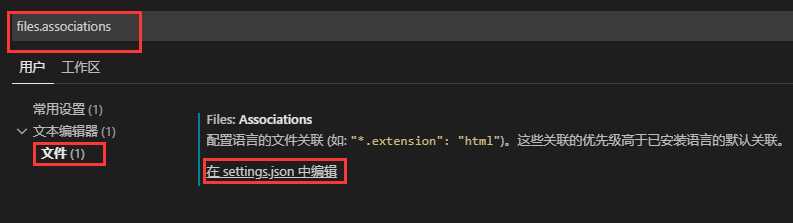
点击在setting.json中编辑
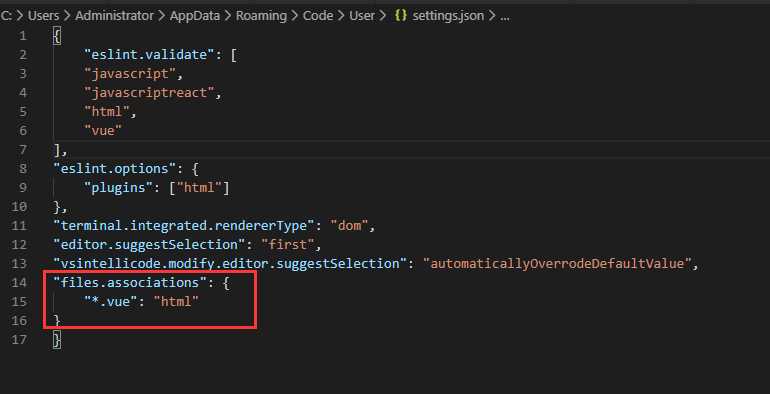
最后一行添加配置:
"files.associations": {
    "*.vue": "html"
}
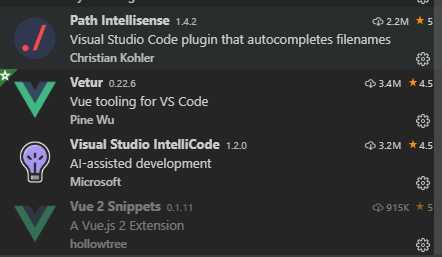
其他插件:Visual Studio IntelliCode(微软的AI智能代码推荐提示)
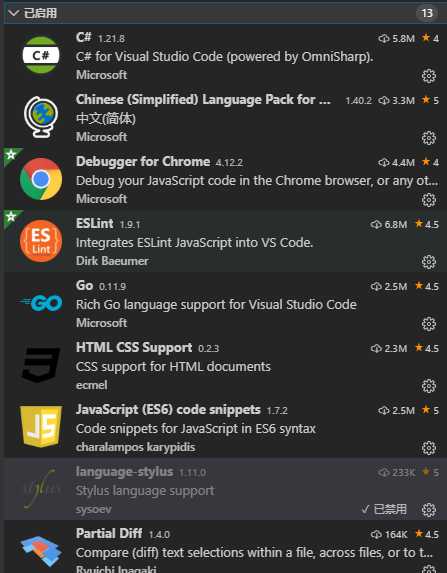
目前我使用的一些插件:
原文:https://www.cnblogs.com/townsend/p/11978780.html
评论(0)