
bert安装与使用
时间:2019-11-27 12:22:33
收藏:0
阅读:1659
环境:
python 3.5
tensorflow 1.12.1
bert-serving-server 1.9.1
bert-serving-cline 1.9.1
官网上说要保证Python >= 3.5 with Tensorflow >= 1.10
1.安装bert服务端和客户端
pip install bert-serving-server  # server
pip install bert-serving-client  # client, independent of `bert-serving-server`
2.下载预训练的中文bert模型
https://github.com/google-research/bert#pre-trained-models
https://github.com/hanxiao/bert-as-service
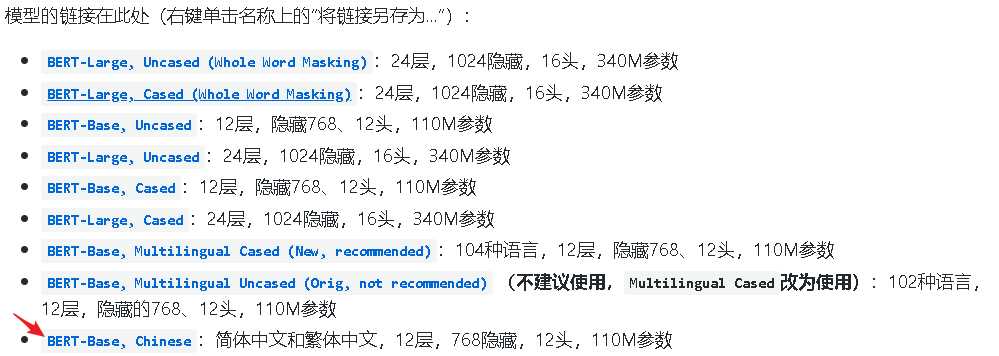
下载成功后,解压
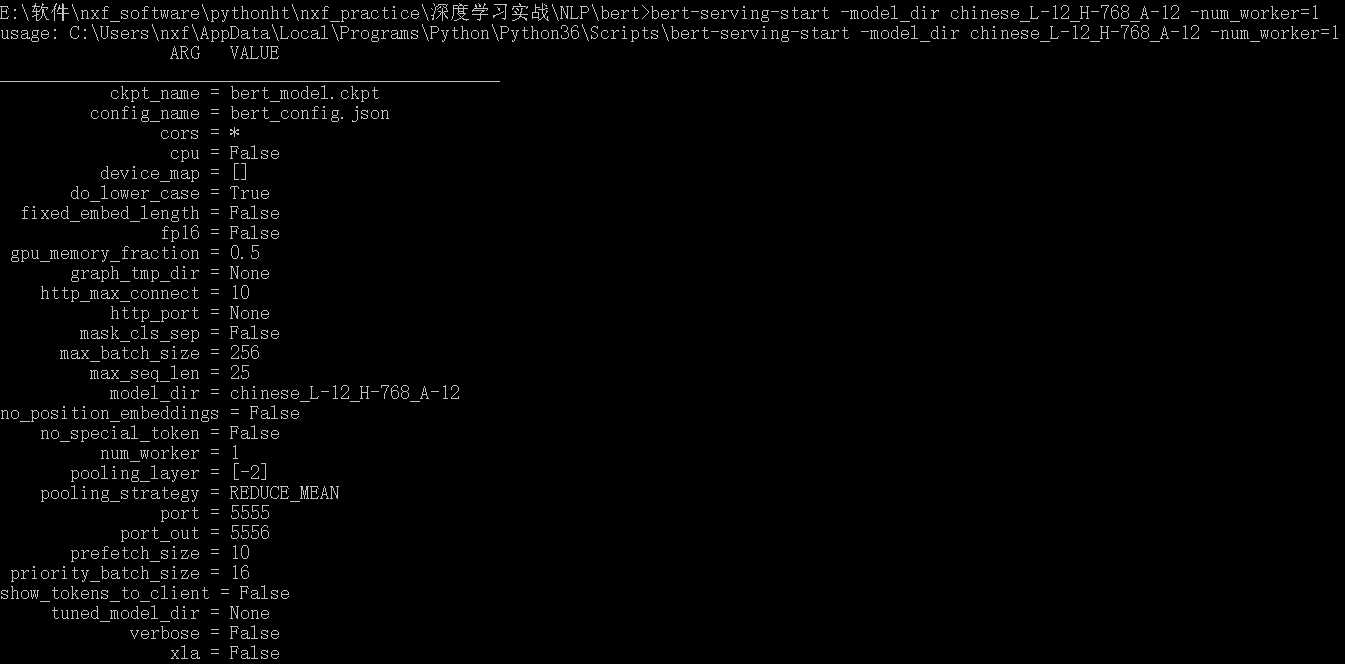
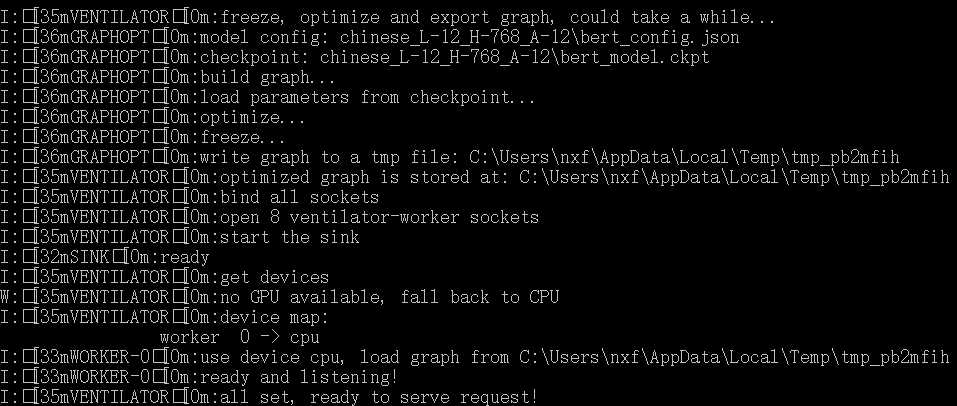
3.启动bert服务端
bert-serving-start -model_dir chinese_L-12_H-768_A-12 -num_worker=1
-model_dir用来指定上步解压的模型路径
num_worker = 1意味着它最多可以处理1个并发请求,更多并发请求将在负载均衡器中排队
4. 运行代码,得到句向量
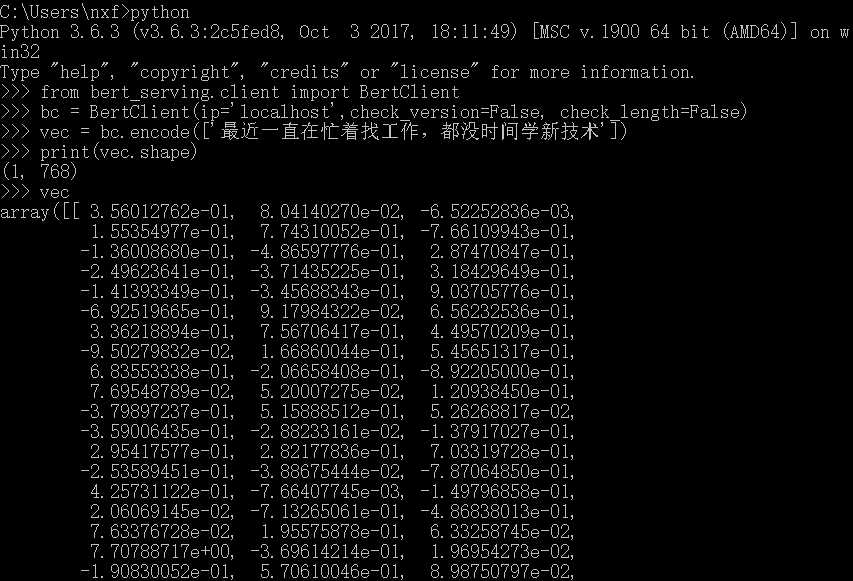
from bert_serving.client import BertClient
bc = BertClient(ip=‘localhost‘,check_version=False, check_length=False)
vec = bc.encode([‘最近一直在忙着找工作,都没时间学新技术‘])
print(vec)
参考文献:
【1】bert-as-service三行代码使用bert模型 - accumulate_zhang的博客 - CSDN博客
原文:https://www.cnblogs.com/nxf-rabbit75/p/11938504.html
评论(0)