
introduction to anaconda
一、安装好anaconda后进行更新
说明:在windows环境中的操作,在linux环境中请参考具体书籍。
1、进入cmd命令行
执行
1 conda update conda
3 conda update anaconda
4 conda install mkl
1 conda install pylint html5lib seaborn
最后是安装一些anaconda没有的工具。
二、jupyter一些方便的命令
1、cd directory,更改到目的目录
2、edit filename - launch an editor to edit filename
3、ls or ls pattern - list the contents of a directory
4、run filename - run the Python file filename
5、timeit - time the execution of a piece of code or function
6、The special variable _ contains the last result in the console, and so the most recent result can be
saved to a new variable using the syntax x = _.
三、配置文件
1、产生配置文件夹
首先配置ipython,配置文件在(windows中)~/.ipython/目录下
打开终端输入以下命令
ipython profile create econometrics
将会产生一个profile_econometrics目录,和一下文件
比较重要的是ipython_config.py文件General IPython setting for all IPython sessions。
2、修改配置文件
打开ipython_config.py文件,进行修改
- c.InteractiveShellApp.exec_lines=["from __future__ import division",
"import os",
"os.chdir(‘D:\\chengxu\\ML‘)"]
- c.InteractiveShellApp.pylab="qt4"
3、开始运行进行测试,两种方法
- (1)直接在命令行里输入:ipython --profile=econometrics
- (2)在文本编辑器里输入如下命令:cmd "/c cd Scripts\ && start "" "ipython.exe" --profile=econometrics"将其保存为ipython-plain.bat ,放在Anaconda2安装目录里,如果想要方便的话,可以右击将其发送到桌面快捷方式。以后直接点击即可。
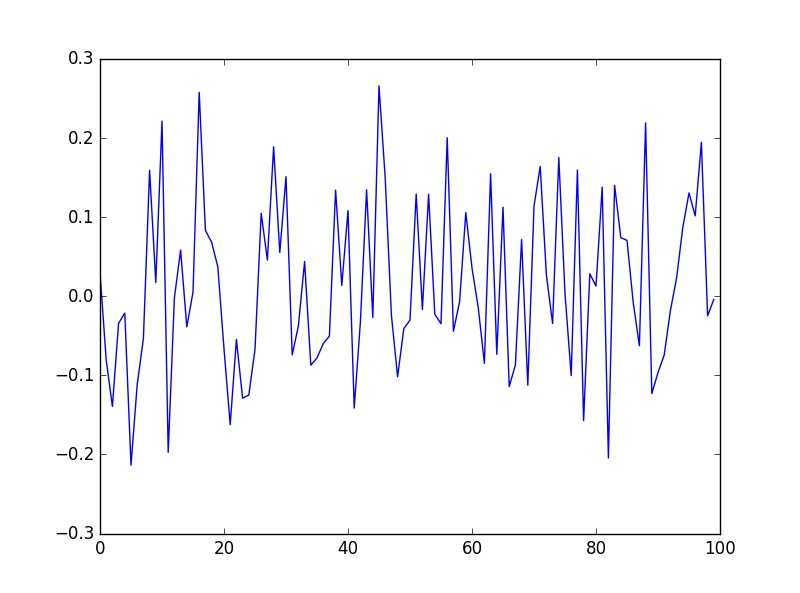
>>> x = randn(100,100)
>>> y = mean(x,0)
>>> plot(y)
>>> import scipy as sp
如果一切正常,会出现如下图所示:
5、配置ipython-notebook
在文本编辑器中输入如下命令:
cmd "/c cd Scripts && start "" "ipython.exe" notebook --matplotlib=’inline’--notebook-dir=u’D:\\chengxu\\ML\\’"
保存为ipython-notebook.bat,放在Anaconda2安装目录里
原文:http://www.cnblogs.com/zhaopengcheng/p/5397212.html