
Hadoop环境之cygwin安装
Hadoop需要Linux环境,cygwin可以让你在win下拥有linux开发环境,不用打开虚拟机装Linux。
- cygwin的下载地址为http://cygwin.com/install.html,根据自己操作系统的位数来选择下载
- 安装过程一路next,直到下图的位置:
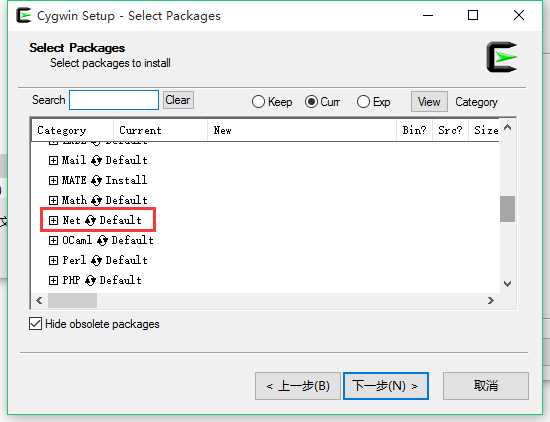
点开Net下找到openssh和openssl,点击选择安装。
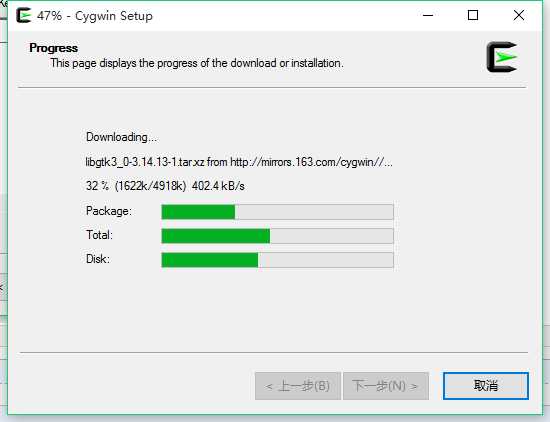
3.接下来就是漫长的等待了
4.配置ssh服务:以管理员运行cygwin后,输入ssh-host-config
Should StrictModes be used? (yes/no) yes
Should privilege separation be used? (yes/no)”,输入no回车。
Do you want to install sshd a service? yes
Enter the value of CYGWIN for the demon: []”,直接回车。出现没权限的情况执行以下命令:
chown :Users /var
chmod 757 /var
chmod ug-s /var
chmod +t /var
Do you want to use a different name? (yes/no)”,输入no回车。
Create new privileged user account ‘DAIHY-PC\cyg_server‘ (Cygwin name: ‘daihy-pc+cyg_server‘)? 。。这一步输入密码后出错后面重新执行又不会出现
Please enter the password for user ‘cyg_server’:”,输入密码回车,在此输入密码回车。
最后提示配置完成。
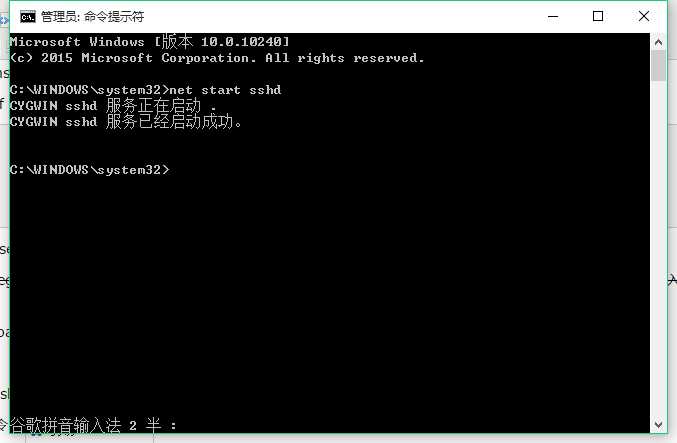
5.cmd启动ssh:net start sshd(以管理员方式运行)
6.测试登录,在终端执行命令:ssh cyg_server@localhost
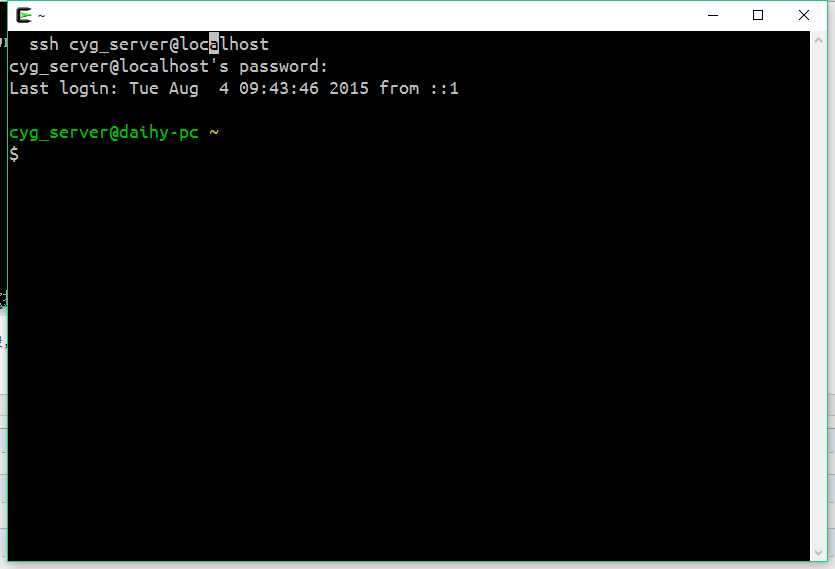
7.到此安装已完成,后面会继续学习cygwin的使用
原文:http://www.cnblogs.com/luoyezhiqiu/p/4702677.html